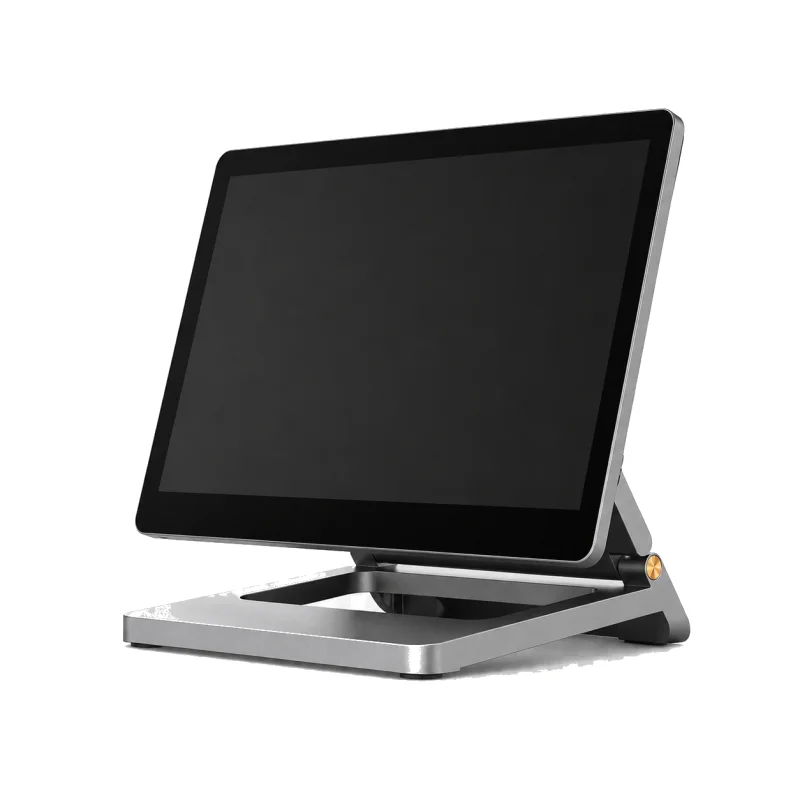
Counter Standard
The complete counter setup most delis and bodegas start with.
What's included
- 14″ Counter Terminal
- Compact Receipt Printer
- 16″ Compact Cash Drawer
- Wired Handheld Scanner
- Card PIN-pad
Ring sales, take cash and card, keep stock honest, and close the day with a Z report. Built behind a deli counter on the Lower East Side.
POS + Inventory is $119 a month in software. Hardware is quoted for your counter. Card processing is billed by your processor.
Touch terminal
Rings the sale
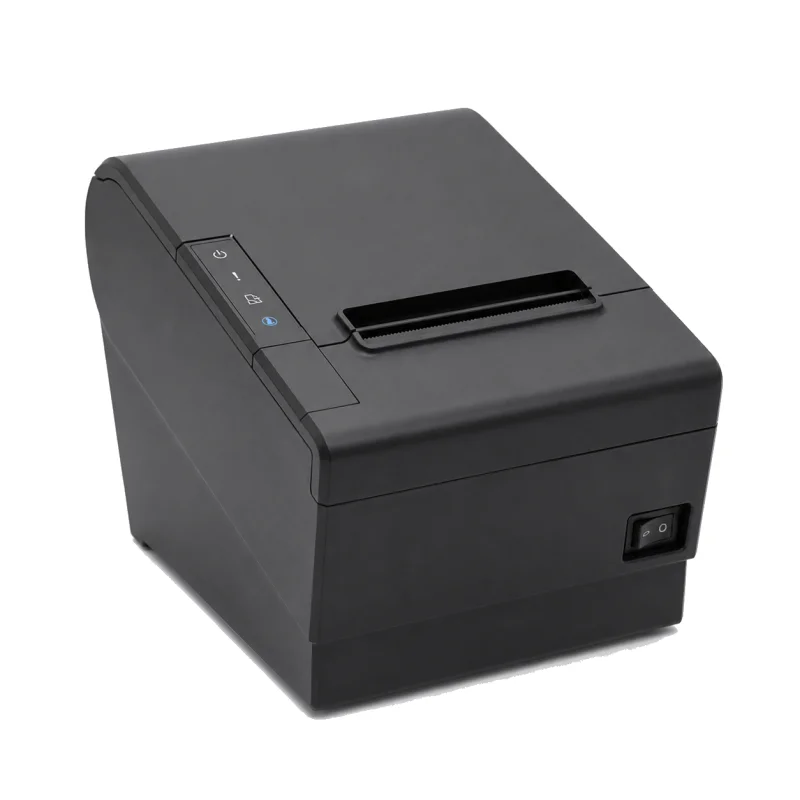 Receipt printer
Receipts and the Z report
Receipt printer
Receipts and the Z report
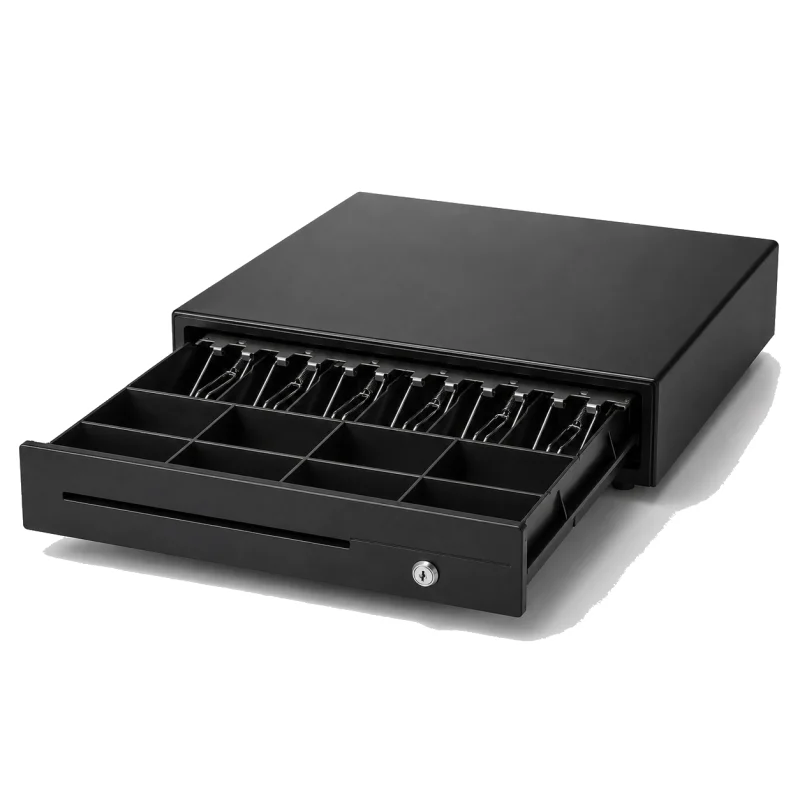 Cash drawer
Opens on a cash sale
Cash drawer
Opens on a cash sale
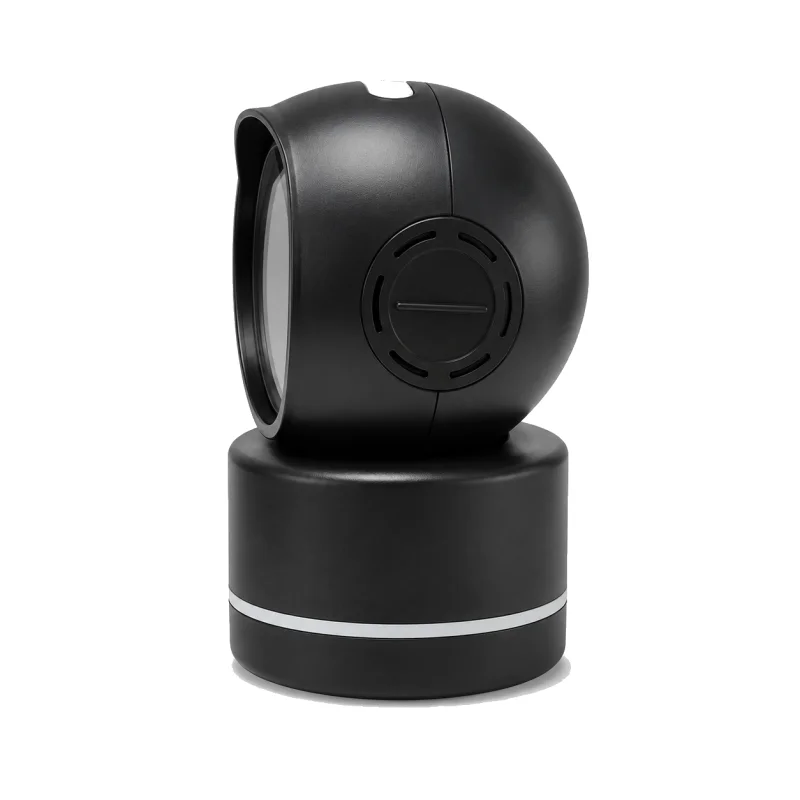 Barcode scanner
Packaged goods, cigarettes
Barcode scanner
Packaged goods, cigarettes
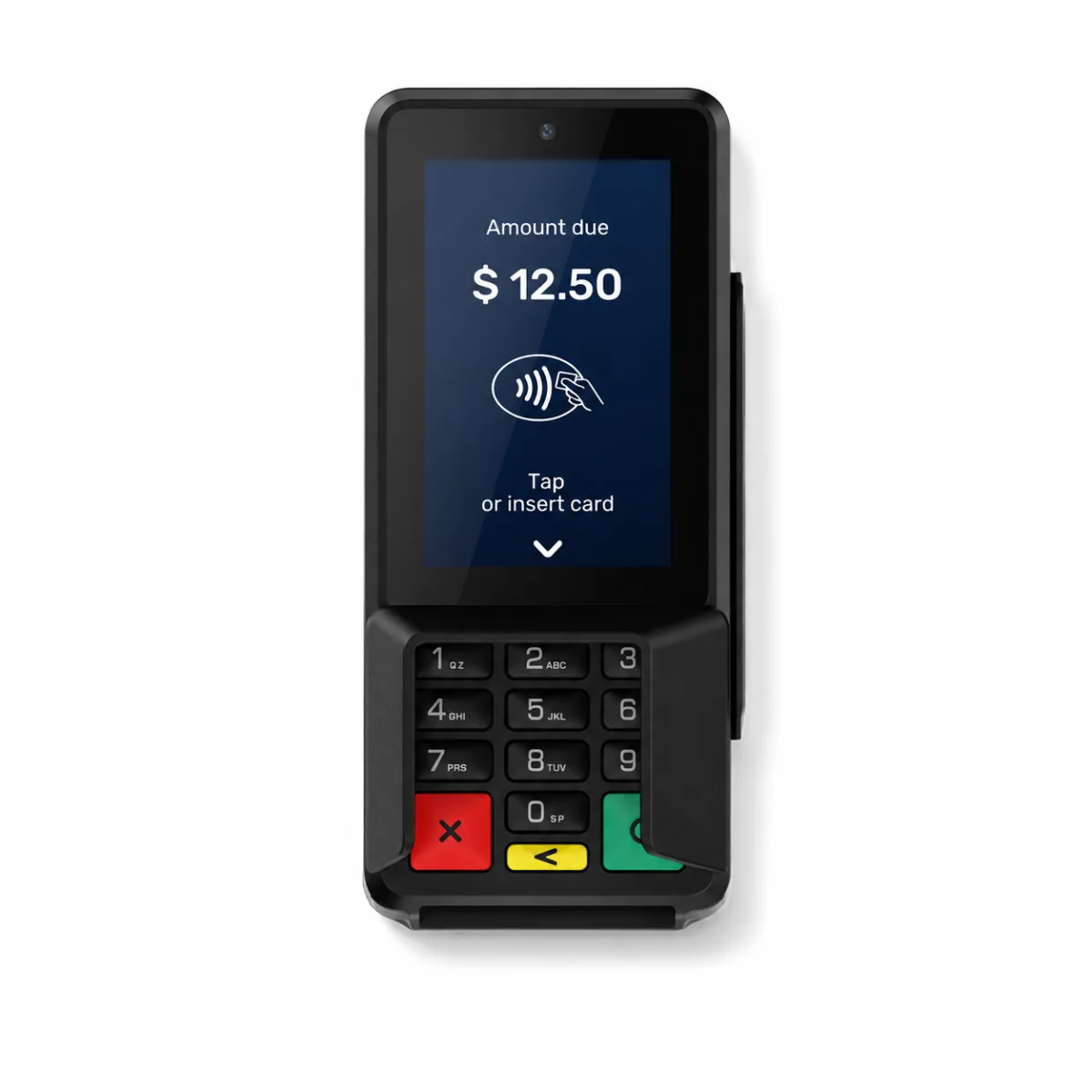 Card PIN-pad
Cards, on your processor
Card PIN-pad
Cards, on your processor
The Counter Standard kit. Each piece does one job, and the register software ties them together.
Ring the sale, close the day, keep the shelves stocked. Everything else the register does is one tap below.
A scan finds the item by its barcode and adds it. Split a sale into a cash part and a card part. Card runs on the reader staff approve for your processor.
Close Day shows the cash you counted next to the cash the register expected, asks before it sends the card batch, and prints the Z report.
Each sale takes the item out of stock. Counts, what to reorder, purchase orders, receiving and suppliers live in the back office.
Henry St Deli, Register 1
The cashier screen does one job: get the customer paid and out the door. Everything on this list works on the register today.
The Z report is built from your register data at close. No typing, no photos.
Start from a kit, change anything in the builder, and send it as an installation request. Staff quote the hardware before you buy; there is no public hardware price, no hardware subscription and no card-reader rental.
The complete counter setup most delis and bodegas start with.
What's included
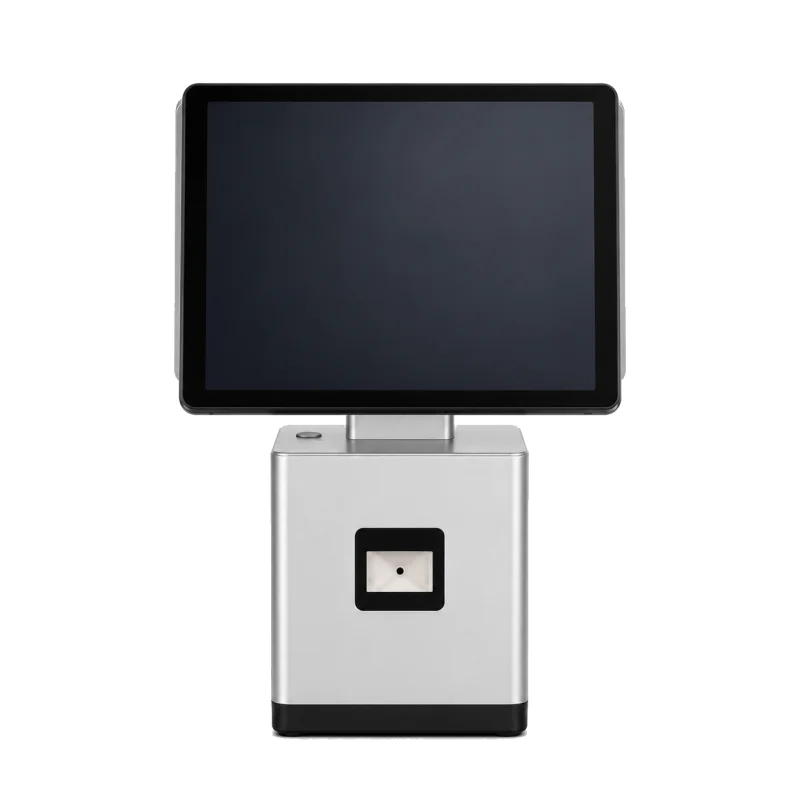
A two-screen terminal with a built-in printer, so the customer sees each item and the total, plus a heavy-duty drawer and the PIN-pad.
What's included
Payment compatibility is not assumed. Staff confirms the exact processor, reader/model, Datacap configuration, merchant approval, and certification before install.
Card fees come from your own processor agreement. Deliiq takes no cut of your card volume.
When the internet drops, each sale is saved on the register and uploaded when the connection is back. Card payments while offline depend on your processor, reader and approved setup, so check your batch after you reconnect.
No account and no card to get a price. A person on our team reviews every register before it goes live.
Pick your store type, registers, plan and hardware in the POS builder, then send it as an installation request. No account, no checkout.
We quote the hardware and confirm availability, delivery and timing. We check your card processor and your card reader before install.
Live register activation stays staff-reviewed. Moving from Square, Clover or Lightspeed? We review your export and confirm the item import plan first.
Software is a monthly price. Hardware is a separate one-time purchase we quote before you buy. Card processing is billed by your processor, not by Deliiq.
Live checkout, inventory, shifts, cashier tools, and more than one store. Hardware is quoted separately.
Build my POS setupNot ready for a register? The Free tracker is $0, and Back Office is $59 a month for reports and exports with no hardware.
No setup fee. No long-term contract. Cancel a paid plan anytime. AI Ops is a staff-managed add-on and is not part of these plans. Full breakdown, including taxes and cancellation terms, on the pricing page.
Better you hear it here than find out at the counter.
Something missing? Send us a message and we answer by email.
POS + Inventory is $119 a month in software, plus hardware. Hardware is a one-time purchase that staff quote after you send a setup from the POS builder. There is no setup fee and no long-term contract. Back Office is $59 a month and the tracker is free.
A full counter is a touch terminal, a receipt printer, a cash drawer, a barcode scanner and a card PIN-pad. A two-screen terminal with a built-in printer also works. The register runs on a landscape counter screen. Pick a kit in the POS builder and staff quote the hardware for your counter; there is no public hardware price.
Not automatically. Staff confirms the exact processor, reader/model, Datacap configuration, merchant approval, and certification before install. Bring your statement and terminal details for review. Card fees come from your processor, and Deliiq takes no cut of your card volume.
Not yet. EBT / SNAP checkout is not available yet. When enabled, availability will still depend on processor approval, compatible hardware, and merchant underwriting.
You mark those items as 21+. The register shows a 21+ badge and will not take payment until the cashier enters the customer's date of birth. Your store must still check customer age and follow the rules for tobacco, vapes, alcohol and other restricted products. Deliiq prompts do not replace an ID check.
Sales are saved on the register and upload when the connection comes back. Refunds need a connection. Offline card payments depend on your processor, reader and approved configuration, so check your batch after you reconnect.
Send us your item export. Staff review it and confirm an item import plan before the register goes live. There is no live sync with Square or Clover.
No. There is no setup fee and no long-term contract. You can cancel a paid plan anytime; it stays active until the end of the current billing period.
Yes. The free tracker runs on your phone for sales, expenses, supplier bills and daily close while you keep your current register. When you are ready, build a Deliiq register in the POS builder.
Build your setup in a few taps. A person reviews it before anything is charged or installed.